
hb 999 Download and App Installation
This hb 999 download page gives mobile users in the Philippines guidance on the hb 999 app, hb 999 APK, app and APK downloads, and browser access. Before logging in to hb 999, check the source, HTTPS, app icon, and device security.
 App Download
 APK Install
hb 999 App System Requirements
The hb 999 app requires an up-to-date browser, a stable network, available storage, and a secure screen lock. Before downloading hb 999, read the safety page, explore Thai Fish Prawn Crab to learn about a game, and visit hb 999 promotions for bonus information.
Open the hb 999 app and APK download
hb 999 Download and Installation Steps
Games to Try After Downloading the hb 999 App


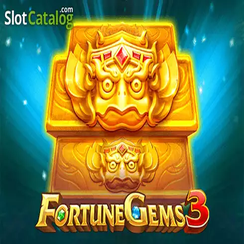
Open games in the hb 999 app
hb 999 APK Safety Checklist
- Check the domain spelling to confirm you're using legitimate hb 999 access.
- When searching for hb 999 com, distinguish advertisements from fake results.
- Avoid suspicious files offered under names such as hb 999 slot download.
- Run an antivirus scan after downloading the hb 999 APK.
- Set a daily limit when using the hb 999 online casino.
hb 999 Download FAQ
Where can I download the hb 999 app?
Download the hb 999 app from an official hb 999 link after checking the source.
Is the hb 999 APK download safe?
Check HTTPS, the app icon, version, permissions, and file size to reduce risk. If anything seems suspicious, don't install it.
What if I have trouble logging in to the hb 999 casino app?
Try switching networks, clearing your cache, or resetting your password.
Start your hb 999 download